
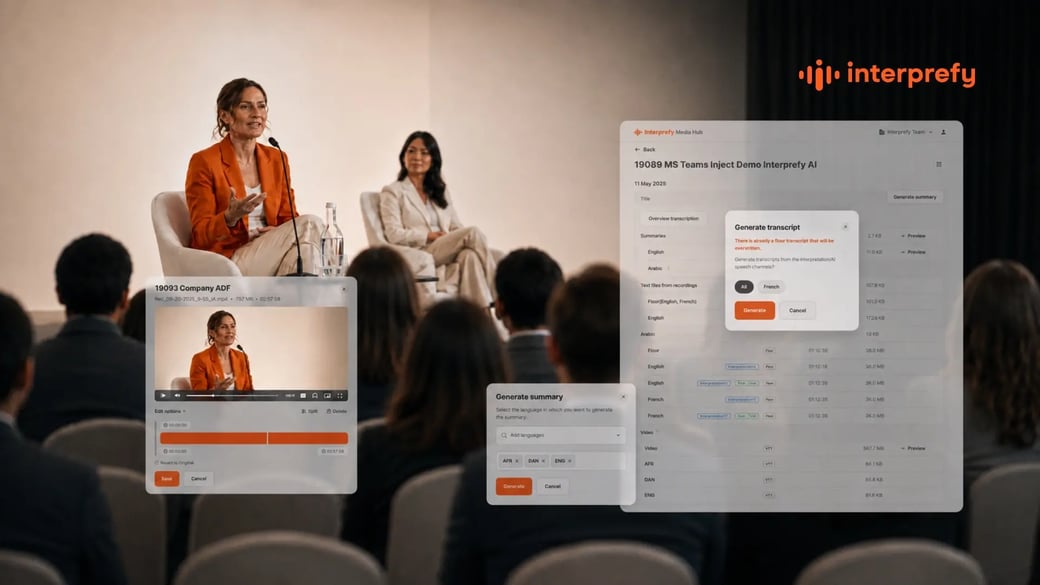
Every multilingual event generates far more than a memory of the day. Recordings, captions and transcripts pile up in the background while the event itself takes centre stage, and once the closing remarks are done, that content often just sits there. Someone eventually asks for the French transcript from the breakout session, or the English captions from the keynote, and the search begins.
For organisations running events across several languages, this is not a minor inconvenience. Captions and transcripts are what make an event's content usable after the fact: searchable, translatable, shareable and reportable. Get post-event access right, and a single event keeps producing value for months. Get it wrong, and most of that value is lost the moment attendees log off.
This guide covers what post-event captions and transcripts actually are, how they are generated from a live multilingual event, the problems most organisations run into when trying to access them, and what to look for in a solution that handles this well.
Why Post-Event Multilingual Captions and Transcripts Matter
Captions and transcripts are not just accessibility features that disappear once the live session ends. After an event, they become the raw material for a surprising range of follow-up work: training materials built from a recorded session, internal reports that quote what was actually said, marketing content repurposed from a keynote, or compliance records that prove what was communicated and when.
For multilingual events specifically, captions and transcripts carry extra weight because they are often the only accessible record of what was said in each language. A recording alone does not help a compliance team confirm what the German interpretation actually communicated. A searchable transcript does. And where live captions are the accessibility layer during the event itself (see the W3C Web Accessibility Initiative's guidance on captioning for why this matters), their post-event counterparts extend that same accessibility to anyone who could not attend live.
How Captions and Transcripts Are Generated From a Multilingual Event
To understand why post-event access is often harder than it should be, it helps to know what is actually being produced during a live multilingual event.
A typical session generates several parallel streams of content. There is the floor audio, which is the original language spoken live by the presenter. There is the interpreted or AI-generated audio in each target language. And where captions are enabled, there are caption files generated per language, usually as SRT or WebVTT files for embedding in a video player, or as plain text for other uses.
Transcripts are a separate output, generated from the recording after the event rather than during it. Where captions are timed to the video, transcripts are typically formatted as continuous text, better suited to reading, searching or feeding into another document.
Captions vs Transcripts: What's the Difference
The two terms get used interchangeably, but they serve different purposes. Captions are timestamped and designed to be displayed alongside video, syncing to what is being said at each moment. Transcripts are the full text of a session, designed to be read, searched or repurposed as a document in its own right. A well-run event should give you both, and ideally, in every language your audience needs. If you are still setting up captioning for the live event itself, our posts on on-screen captions for onsite events and how Interprefy AI powers live captioning accessibility cover that side of things in more depth.
The Common Post-Event Content Problem
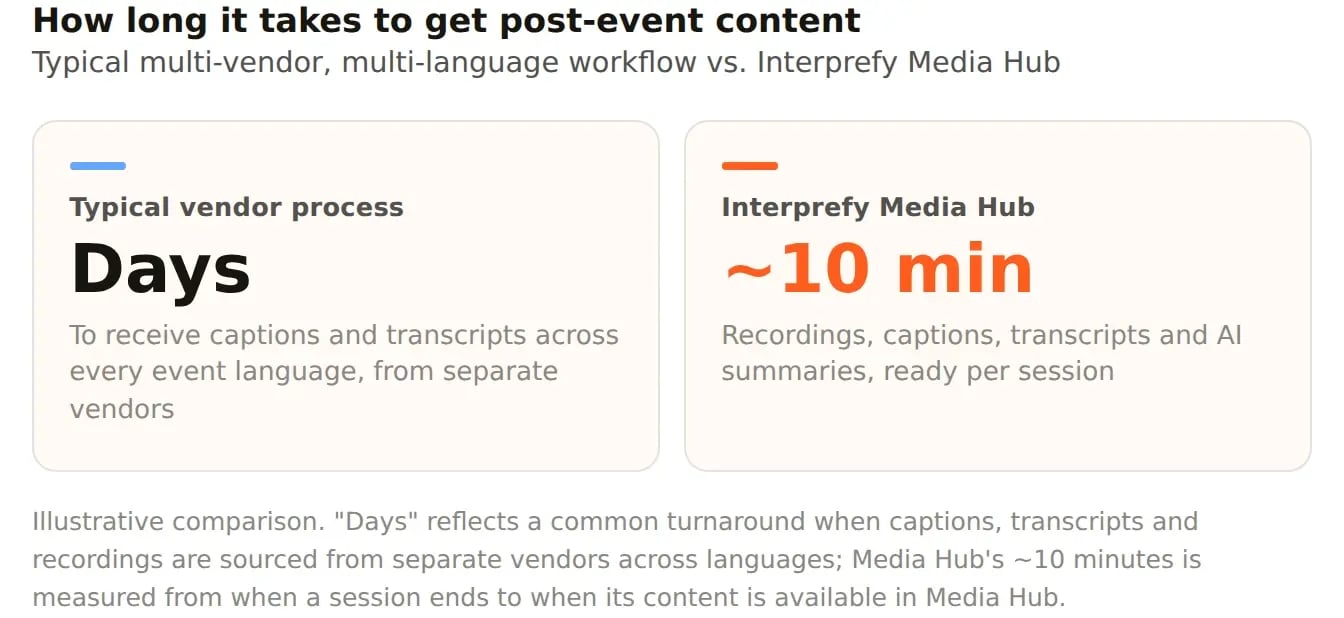
Ask most event or communications teams what happens after a multilingual event ends, and a familiar pattern emerges. Recordings sit with one vendor. Caption files sit with another. Transcripts, if they exist at all, arrive days later by email, often only in the source language. Nobody on the team has a single place to go and find everything from a given session.
This matters because the delay compounds. A training team wanting to build a course from a recorded session cannot start until the transcript arrives. A communications team wanting to quote a session accurately in a follow-up email is stuck waiting on captions. By the time everything is finally gathered, the moment for using it well has often passed, and the content quietly goes unused.
There is also a language dimension to this problem that is easy to underestimate. When an event runs in six languages, a delay in one caption file is not one problem, it is potentially six, each requiring its own follow-up with its own vendor or workflow.
Related article:
Interprefy Launches Media Hub for Instant Captions, Transcripts & AI Summaries
What to Look For in a Post-Event Captions and Transcripts Solution
If your organisation runs multilingual events regularly, it is worth evaluating how post-event content is handled with the same rigour you would apply to the live interpretation itself. A few things are worth checking for specifically.
- Speed of availability. Content that takes days to arrive has usually missed its moment. Look for a solution that makes captions and transcripts available within minutes of a session ending, not after a support request.
- Language coverage. Captions and transcripts should be available in every language your event actually used, not just the source language, and ideally as standard file formats such as SRT, VTT or plain text so they work with whatever tools your team already uses.
- Self-service access. A solution that requires emailing a vendor for every file does not scale. A secure, self-service portal where your team can browse, preview and download what they need directly is a meaningfully better experience.
- Editing without extra tools. Captions occasionally drift out of sync, and recordings usually need trimming before they are fit to share externally. Being able to fine-tune caption timing and export a polished, ready-to-share recording without separate editing software saves real time.
- Long-term availability. Content that disappears after thirty days is of limited use to a training or reporting function that might need it months later. Full-year access turns a single event into a resource your organisation can keep drawing on.
How Interprefy Approaches Post-Event Content
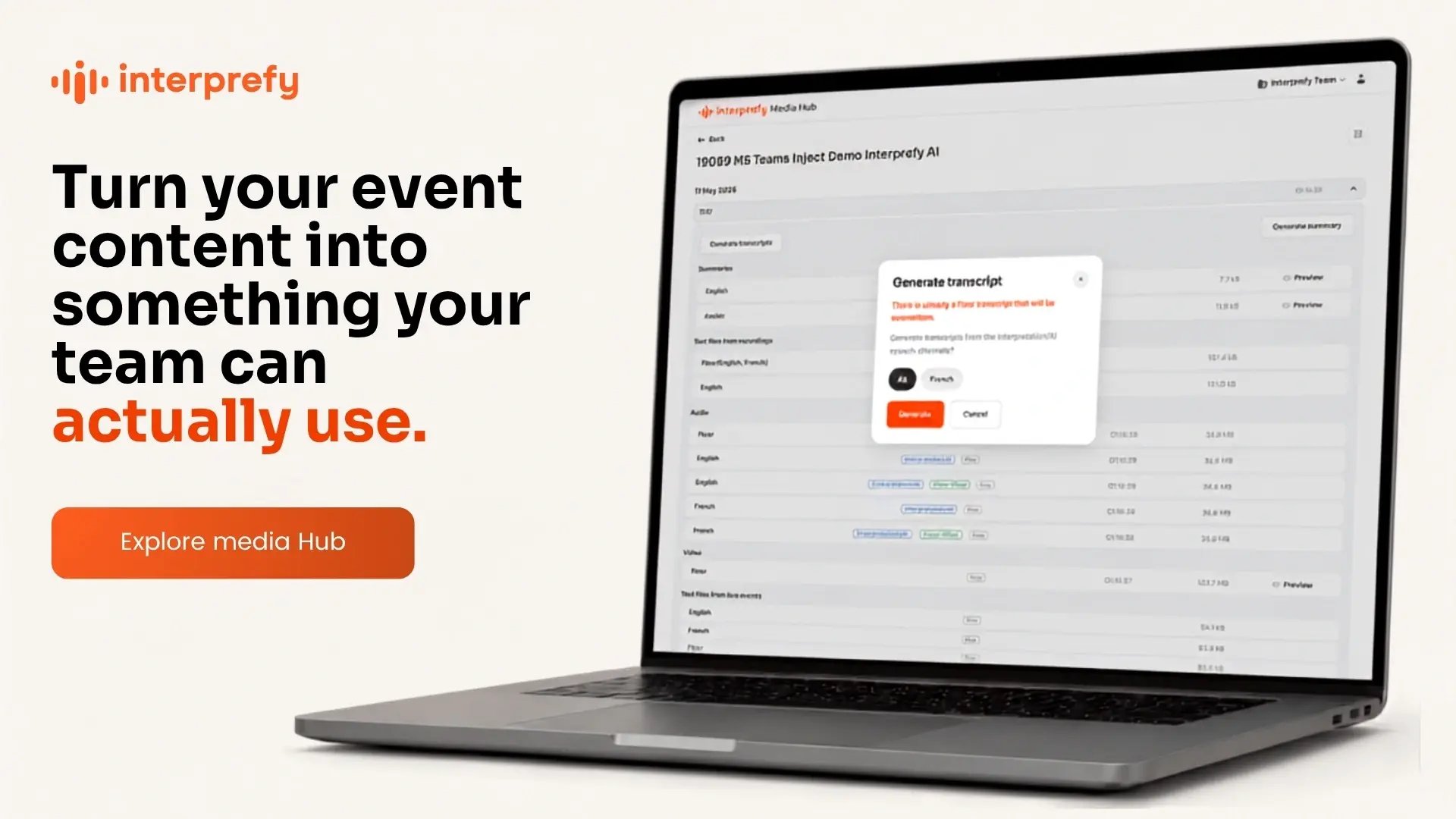
Interprefy Media Hub was built around this exact set of problems. Once a session ends, recordings, captions, transcripts and AI-generated summaries are organised by session and made available in Media Hub within about ten minutes, accessed through a secure, self-service direct link rather than a support ticket.
Captions are downloadable as SRT, VTT or plain text for any language enabled during the session, and transcripts can be generated on demand from the recording itself. Where a written summary is needed rather than a full transcript, Media Hub can generate one in more than eighty languages, including languages that were not used live during the event. Recordings can also be trimmed and have caption timing adjusted directly from the preview page, so a polished, ready-to-share version is available without external editing tools. All of it remains accessible for a full year after the event. For teams that need fully produced output rather than self-service tools, Interprefy also offers Managed Media Services.
The result is that a single multilingual event stops being a one-off and becomes a resource: training material, reporting evidence, follow-up communications and reusable multilingual content, all drawn from the same session, in the languages your organisation actually needs.
Next Steps
If post-event captions and transcripts are currently something your team chases down after every event rather than something you can rely on, it is worth treating that as a process to fix rather than an inconvenience to tolerate. Start by mapping how long it currently takes your team to get a usable transcript or caption file after an event ends, in every language you operate in. That number alone usually makes the case for a better system.
To see how Interprefy Media Hub handles post-event captions and transcripts in practice, explore Interprefy Media Hub.

Frequently Asked Questions
How long should it take to get captions and transcripts after an event? With most vendors, several days is common, particularly when multiple languages are involved and each one has to be processed and returned separately. A well-built post-event content system should make captions and transcripts available within minutes of a session ending, not days.
What file formats should post-event captions and transcripts come in? Captions are typically most useful as SRT or VTT files, since both formats work directly with standard video players and editing tools. Transcripts are usually more useful as plain text, since they are meant to be read and searched rather than synced to a video timeline. A good solution should offer all three as standard.
Can a transcript or summary be generated in a language that was not used live during the event? Yes, provided the underlying recording or interpretation audio exists in a usable form. Interprefy Media Hub, for example, can generate written summaries in more than eighty languages from a session recording, regardless of which languages were actually spoken live.
Does post-event content expire? It depends entirely on the vendor. Some platforms remove content after a matter of weeks, which limits its usefulness for anything beyond immediate follow-up. Others, including Media Hub, keep content accessible for a full year, which makes it realistic to use for training, reporting or content creation long after the event itself.


 Download from the App Store
 Download from Google Play
 More download links