Picture a quarterly operations review on Google Meet. The regional leads join from Munich, Lahore, São Paulo and Osaka, and the host switches on Meet's speech translation expecting everyone to follow along in their own language. Within a minute it becomes clear that the feature can run only one language pair at a time, and that pair has to include English. The German speaker could be covered and so could the Portuguese speaker, but not both at once, while nobody on the call can hear the meeting in Urdu or Japanese at all.
More and more Google Meet hosts are running into this situation. Search interest in Google Meet speech translation has risen by around 40% over the past year, according to Google Trends. Searches for specific pairs such as English to Urdu and French to English have climbed alongside it. People are trying the feature, and many are discovering where it stops.
Meet's native feature currently translates between English and a small group of European languages, one language pair per meeting. Meanwhile, its broader Gemini-powered upgrade remains in private preview for select Workspace customers.
This article looks at what Google Meet's speech translation covers today and where the gaps appear for organisations working across many languages. It then explains how Interprefy Agent fills those gaps without asking anyone to leave the Meet call.
What "Beyond English" Means in Practice
For most global organisations, the language challenge in Google Meet is not about translating one colleague into English. It usually takes one of three shapes.
The first is the many-listener meeting: one presenter, a large audience and several first languages. Town halls, regional updates and all-hands calls fall into this group. What they need is for each person to choose their own language, rather than everyone sharing a single translated pair.
The second is the non-English meeting. Here two teams work in, say, German and Portuguese, or Arabic and French. English is nobody's first language, so routing every sentence through it adds an unnecessary layer.
The third is the mixed-floor meeting, where speakers move between languages as the discussion unfolds. A project call might open in Spanish, switch to English for a supplier update and close with questions in Italian.
Interprefy Agent was built for all three shapes of meeting.
What Google Meet Speech Translation Covers Today
Google made speech translation generally available to Google Workspace business customers on 27 January 2026. It then began rolling it out to Android and iOS in April. The feature plays a translated voice over the original speaker and keeps their tone and pace. That makes a two-language conversation feel far more natural than reading subtitles.
The constraints matter just as much as the capability, though. According to Google's help centre, the feature translates between English and six languages: Spanish, French, German, Portuguese, Italian and Hindi.
- One pair per meeting. Only one of those pairs can be active in a meeting at any time.
- Meeting rooms. People joining from Meet room hardware can hear a translation, but their own speech is not translated.
- Session limits. Speech translation is capped at 90 minutes per meeting and is not available in live streams.
- Access. It is limited to Google AI Pro and Ultra subscribers and selected Workspace editions, and admins can switch it off for their organisation.
Google is preparing a bigger step. In June 2026 it announced Gemini 3.5 Live Translate. It will take Meet to more than 70 languages, with over 2,000 language combinations in a single meeting. For now, however, the upgrade is in private preview for select business Workspace customers, with a broader rollout expected later this year. Pricing and eligible Workspace tiers have not yet been announced. For a host planning next month's town hall, that is a roadmap rather than a tool.
Related article: Live Translation Options for Google Meet: New Features and More
Where the Gaps Show Up in Multilingual Meetings
One shared pair versus many individual languages
The single-pair model works well for a two-sided conversation, such as an English-speaking account team meeting a Spanish-speaking client. It works far less well for the meetings global organisations run most often: town halls, regional updates, onboarding sessions and cross-market project calls. In those meetings, five or six first languages may be present at once. Choosing one pair then means choosing which colleagues get translation and which do not.
English as the mandatory anchor
Every supported pair includes English. As a result, a call between a team in Germany and a team in Brazil cannot be translated directly between German and Portuguese. A meeting in which English is not spoken at all cannot be translated either. For organisations whose working languages include Arabic, Urdu, Japanese, Mandarin or Polish, the feature is simply not an option yet.
Licences, meeting rooms and recordings
There are practical limits too. Translation depends on the host being on an eligible plan, participants in conference rooms cannot be translated, and participants under 18 cannot use the feature. Furthermore, speech translation is not available in recordings. Anyone catching up later hears the meeting only in the language it was spoken.
How Interprefy Agent Works in Google Meet
Interprefy Agent is an automated participant, so setup happens where you already schedule meetings.
- Request an address. Ask your Interprefy project manager for a dedicated Agent email address.
- Add it to the invite. Add that address to the Google Calendar invite like any other guest, ideally with at least ten minutes' notice.
- Reuse it for a series. The address is allocated at event level, so the same Agent can be reused for a recurring series as long as the meetings do not overlap.
This is also the right moment to map out the language picture.
- Floor languages: tell your project manager which languages will be spoken by the speakers.
- Switching: decide whether you want automatic language identification or would rather switch the source language manually from the Interprefy host interface.
- Terminology: if the agenda includes product names, acronyms or technical terms, add them as custom vocabulary so they are recognised correctly in both captions and translation.
When the meeting starts
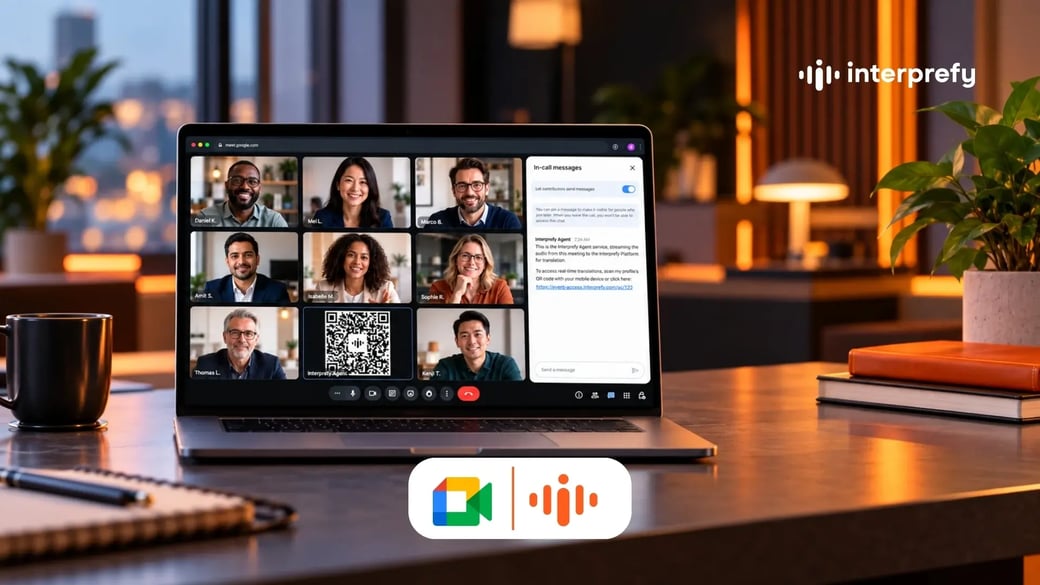
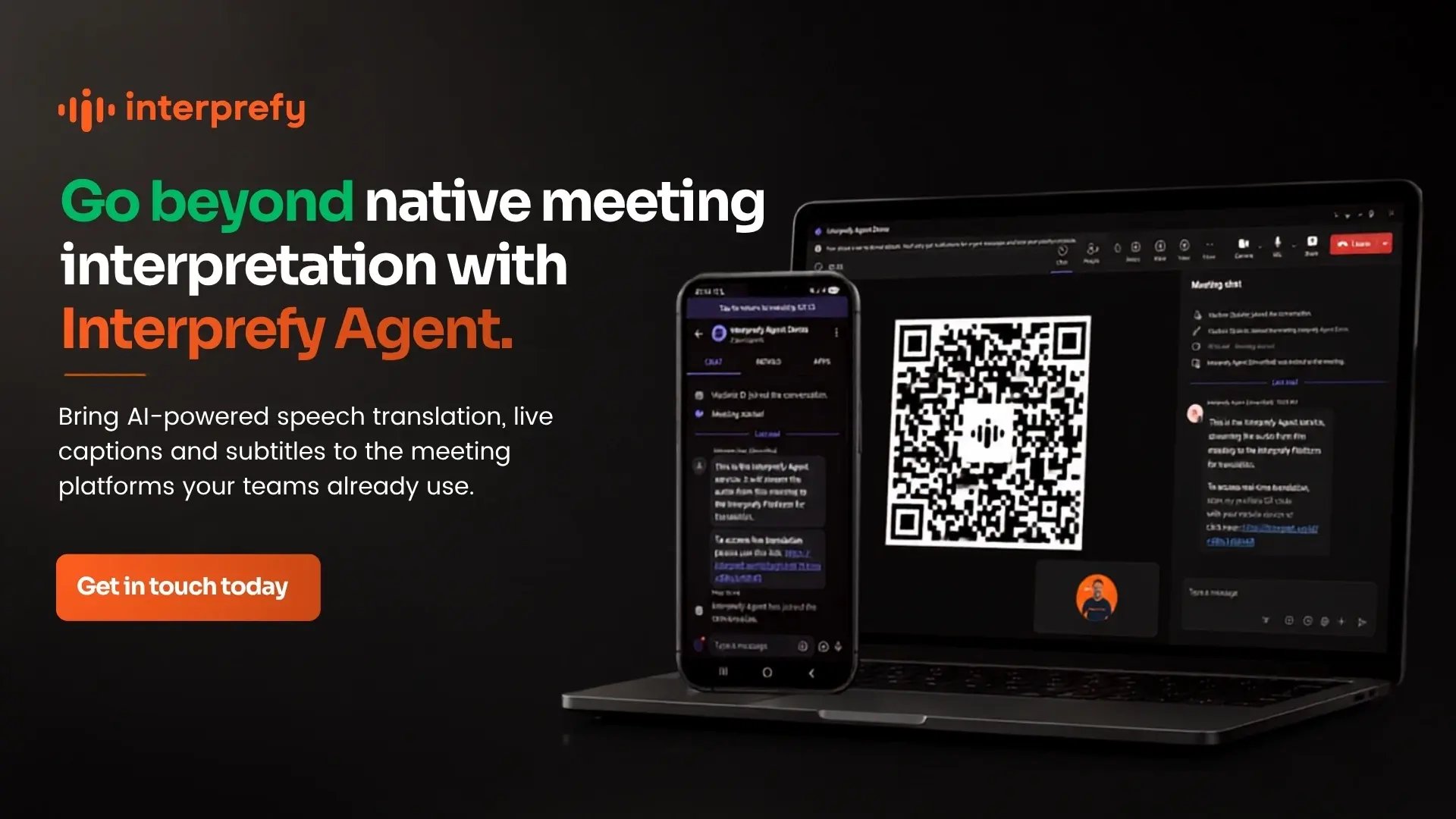
The Agent joins automatically about a minute before the scheduled start, appears with its camera switched off and turns on Interprefy captions. It then posts two messages in the meeting chat: one explaining that it is streaming the meeting audio to Interprefy, and another containing the audience link. Its profile picture is a QR code, so participants can also scan it with their phone.
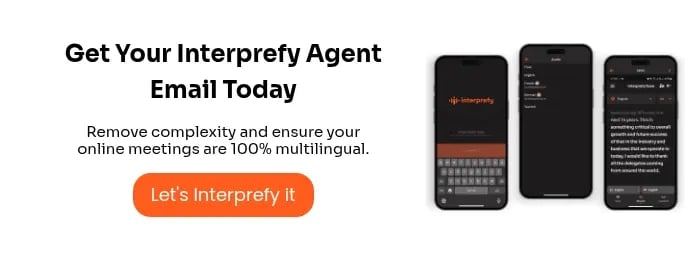
Each participant then chooses their own language in the Interprefy web or mobile app. They can listen to AI speech translation, read live captions or do both.
In the operations review above, the Lahore team listens in Urdu and the Osaka team reads Japanese captions while the German presentation continues as normal. There is no single language pair for the host to pick. Interprefy's AI speech translation works to and from more than 80 languages, including Urdu, Japanese, Hindi, Arabic and Polish. This means a German speaker can be followed in Portuguese, with no need for English in the meeting at all.
One small tip avoids confusion. Participants listening on a laptop can mute the Google Meet tab and listen in the Interprefy tab instead. Those who prefer to keep Meet's audio on can follow the translation on their phone.
As the conversation moves
When the discussion changes language, automatic language identification lets the translation follow the speaker rather than the agenda.
Speaker Labels show the name of the person talking alongside the captions. Each speaker's contribution is also processed separately, which keeps a lively Q&A readable instead of merging overlapping voices into one stream.
After the meeting
The Agent leaves once every participant has gone, and the captions stop with it, so meetings that overrun their calendar slot are still covered.
The Agent does not record audio by default. If colleagues who missed the session need multilingual recordings, transcripts or summaries, Interprefy's media services can provide them on request.
Where Interprefy Agent Earns Its Place
Some Google Meet meetings benefit more than others.
- Global town halls and leadership updates are the clearest case. A single speaker addresses many language groups at once, and the message only lands if everyone understands it the first time.
- Regional and cross-market project calls are another strong fit, especially where working languages fall outside the English-anchored pairs Meet currently supports.
- Onboarding and training across markets gains from consistent terminology through custom vocabulary. Recurring sessions can also reuse the same Agent without reconfiguring anything.
- Organisations working across platforms benefit too. Many use Google Meet internally but meet partners elsewhere, and the same Agent works in Microsoft Teams, Zoom and Webex. The multilingual experience therefore stays consistent wherever the meeting takes place.
Planning Checklist for Your Next Multilingual Meet
Before sending the invite, it is worth working through a few questions:
- Languages: which first languages will be present, and which will be spoken by the speakers?
- Language switching: will speakers change language during the meeting? Automatic identification supports up to ten floor languages, and accuracy is highest with fewer. Manual switching suits tightly structured agendas.
- Terminology: are there names, acronyms or technical terms to add as custom vocabulary?
- Scheduling: is the meeting booked in the calendar rather than started on the spot? The Agent supports pre-scheduled meetings only.
- Breakout rooms: does the agenda depend on them? They are not currently supported, so plan group work in the main room or in separate scheduled meetings.
- Follow-up: will anyone need a recording or transcript in their language afterwards?
Answering these once usually settles the setup for an entire meeting series.
To see how Interprefy Agent fits into your Google Workspace setup, explore our Google Meet integration page.


 Download from the App Store
 Download from Google Play
 More download links